|
 |
|
| Skins - Page 2 |
|
|
|
| Skins - Page 2 |
|
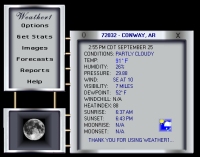
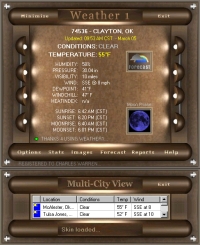
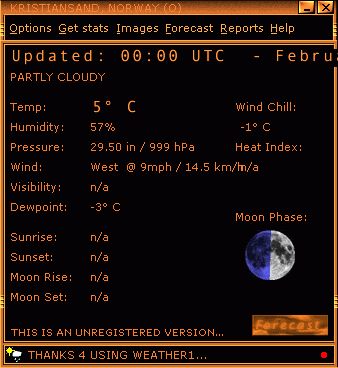
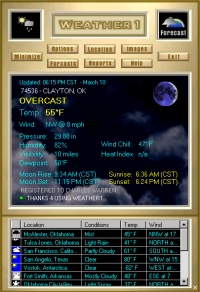
What are skins? Skins are sets of files that you can create and/or share with other users, allowing you to customize the look of Weather1. Think of skins as "faces". You can change the "face" of Weather1. Instructions: How do you use these skins in Weather1? You already have a Skins folder under your directory: Weather1/Skins. It contains the default skin (which you can change). To add another skin, simply download one of these and create a sub-directory under the Weather1/Skins directory and give this new folder a name (usually the same as the skin name). Unzip the skin into this new folder. To use it, simply start Weather1 and click Options->Skins->Load a Skin, and select the skin file in the folder you just created. That's it! To use the default skin, simply click Options->Skins->Use Default Skin. Click here for the Skin Editor tutorial. NOTE: THESE ARE NOT SHOWN ACTUAL SIZE.
If you develop a cool skin for Weather1, please send me some feedback. If it's cool, I'll be happy to include it here! :) Here are some good, general links for Skins: | ||||||||||||||||||||||||||||||||||||||||||||||||||
| Return to Main Index | Sitemap |
|
Contact
Send feedback with
questions or comments regarding this site. Copyright © 1997-2003 Kelly Software. All rights reserved. |